> ## Documentation Index
> Fetch the complete documentation index at: https://wb-21fd5541-feature-automate-reference-docs-generation.mintlify.site/llms.txt
> Use this file to discover all available pages before exploring further.
# Video Support
> Automatically log videos using moviepy in Weave
Weave automatically logs videos using [`moviepy`](https://zulko.github.io/moviepy/). This allows you to pass video inputs and outputs to traced functions, and Weave will automatically handle uploading and storing video data.
Video support is currently only available in Python.
## Usage prerequisites
1. Install `weave` and `moviepy==1.0.3`.
2. Create a W\&B account.
## Supported video types
Weave recognizes `moviepy` video clip objects, such as:
* A `VideoFileClip` loaded from a video file
* In-memory clips like `ImageClip`, `ColorClip`, and `TextClip`
### Direct upload of file-based clips
If your clip is a `VideoFileClip` and has a valid filename with a supported extension, Weave will upload the file directly.
**Supported file extensions:**
* `.mp4`
* `.webm`
* `.gif`
### In-memory clip support
If the video object is in memory (no file on disk), Weave will encode it as an `.mp4` file and handle the upload automatically. This applies to clips of the following type:
* `ImageClip`
* `ColorClip`
* `TextClip`
## Example: Trace a video function
The following code sample demonstrates how to trace a video processing function in Weave. The code sample:
1. Initializes a Weave project `video-test`.
2. Defines a `get_video` function tracked as a `weave.op` that extracts a 1 second subclip of the loaded `VideoFileClip` as a `VideoClip`.
3. Uploads and tracks the clip in Weave.
4. Automatically generates a dummy MP4 video if none is found.
To avoid thread-safety issues, always pass the path to `VideoFileClip` objects instead of creating them outside the Weave `op`.
Before you use the following code snippet, complete the [usage prerequisites](#usage-prerequisites).
```python
import os
import weave
from moviepy.editor import VideoFileClip, ColorClip, VideoClip
# Update to your project name, or create a new project named 'video-test'
weave.init('video-test')
@weave.op
def get_video(clip: VideoFileClip) -> VideoClip:
"""Process a video by path rather than by passing the clip directly.
This ensures that the VideoFileClip is created and managed within the
Weave op's thread context, avoiding thread-safety issues.
"""
new_clip = clip.subclip(0, 1)
return new_clip
if __name__ == "__main__":
os.makedirs("videos", exist_ok=True)
# Update the path to point to your MP4 file
video_path = './videos/example.mp4'
# Generate a dummy video if it doesn't exist
# Dummy video contents: A red square that displays for 5 seconds
if not os.path.isfile(video_path):
print("No video found. Creating dummy video...")
dummy_clip = ColorClip(size=(640, 480), color=(255, 0, 0), duration=5)
dummy_clip.write_videofile(video_path, fps=24)
clip = VideoFileClip(video_path, has_mask=False, audio=True)
get_video(clip)
```
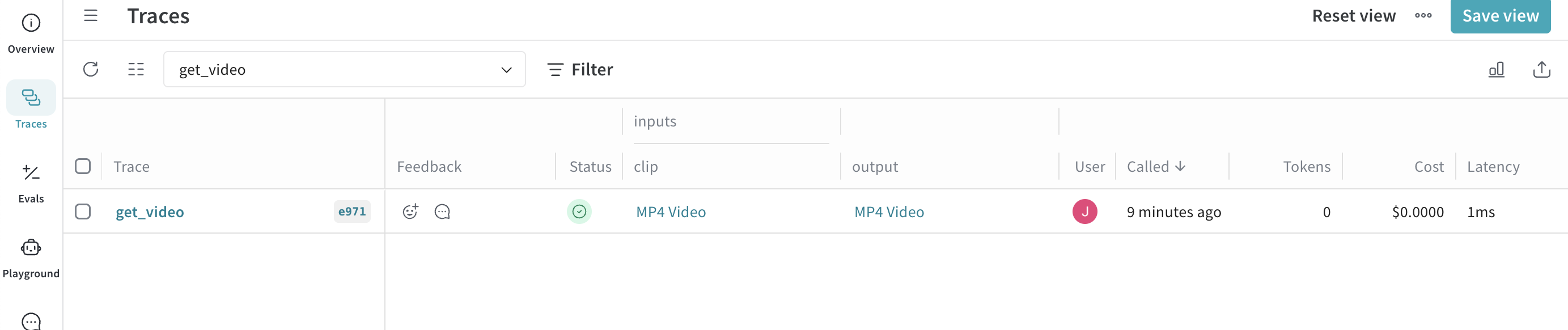
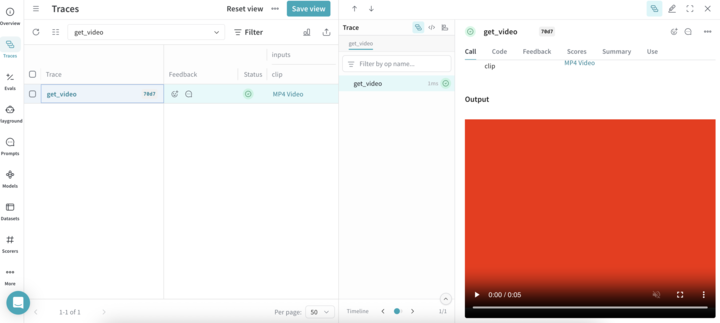
When the code sample runs successfully, you can view your video by clicking the link in the **Traces** table of your project.