

Video
Weave automatically logs videos usingmoviepy. This allows you to pass video inputs and outputs to traced functions, and Weave will automatically handle uploading and storing video data.
Video support is currently only available in Python.
Images
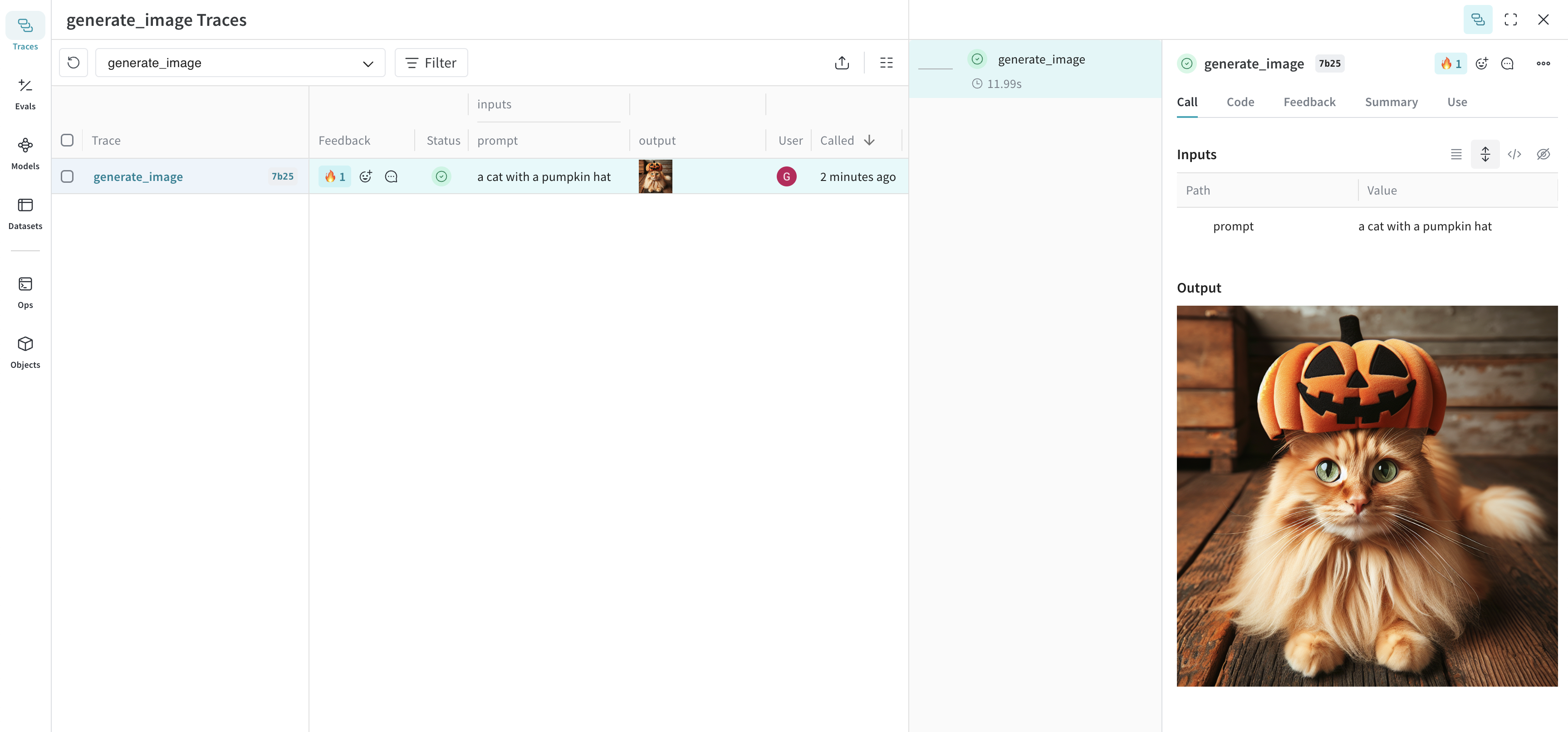
Logging type:PIL.Image.Image.
The following example shows how to log an image generated via the OpenAI DALL-E API:
- Python
- TypeScript
Resize large images before logging
It can be helpful to resize images before logging to reduce UI rendering cost and storage impact. You can usepostprocess_output in your @weave.op to resize an image.
Audio
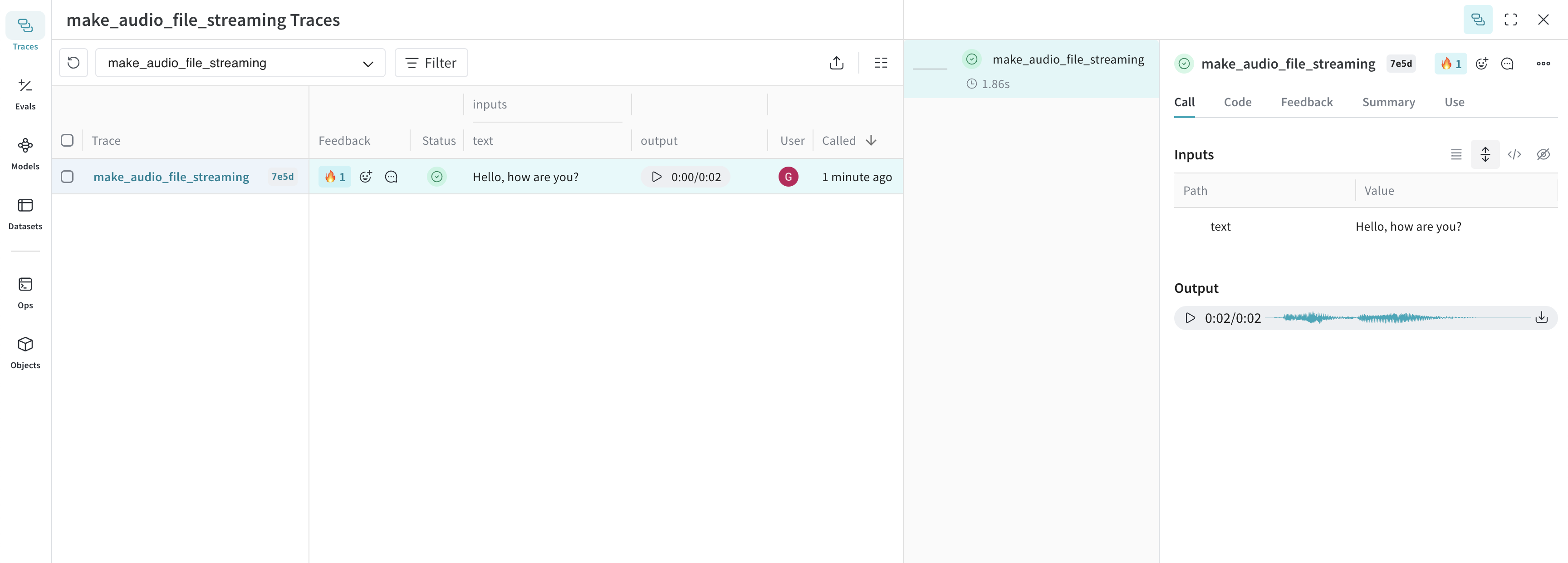
Logging type:wave.Wave_read.
The following example shows how to log an audio file using OpenAI’s speech generation API.
- Python
- TypeScript
Try our cookbook for Audio Logging or  . The cookbook also includes an advanced example of a Real Time Audio API based assistant integrated with Weave.
Open in Colab